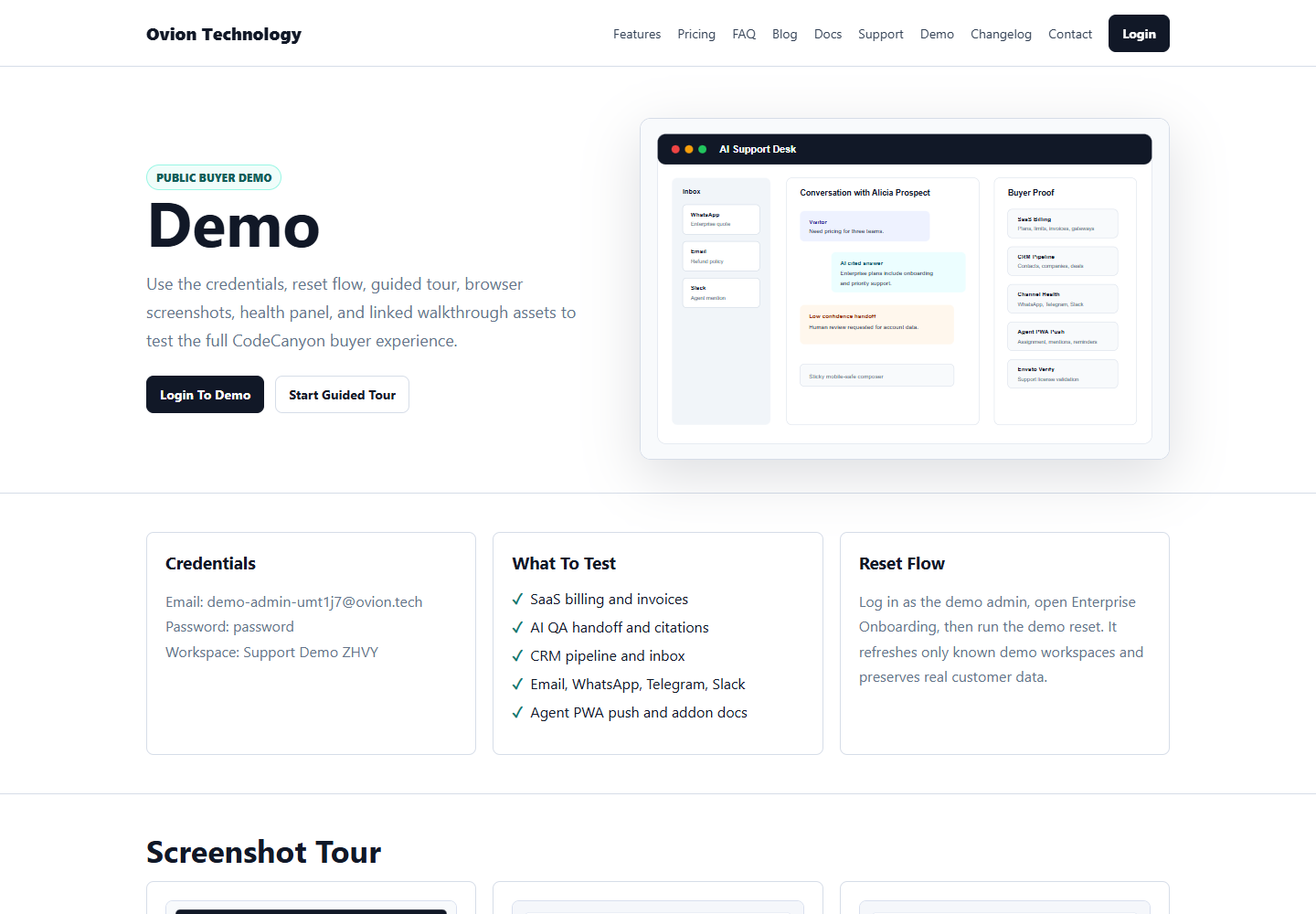
CodeCanyon buyer live preview

OvionDesk Live Demo

Log in once, enter the demo workspace, and follow a guided buyer walkthrough that proves SaaS billing, AI handoff, inbox, CRM, channels, Envato support, addons, reports, and the public widget.

Quick path: 12 minutes Full walkthrough: 54-60 minutes Reusable reset-safe data
OvionDesk demo support desk screenshot
Step 1

Copy Demo Credentials

Use the same buyer login every time. The guided demo will continue into the tour when you use the main login button.

Email admin@ovion.tech
Password Demo@12345
Workspace: Support Demo OvionDesk AI
Step 2

Start The Guided Tour

The overlay explains each module in plain language, highlights what to inspect, and gives safe demo-only actions for sample records.

  • Next, Back, Skip, Restart
  • Draggable and minimizable card
  • Section jump and step progress
  • Safe demo-only sample actions
Step 3

Reset And Re-Test

Open Enterprise Onboarding after login and run demo reset. It refreshes only known demo workspaces and does not touch real customer workspaces.

Login, then reset sample data

Interactive buyer guide

What The Buyer Should Expect

Use this guide like a sales demo script. It explains what the buyer is about to see, what proves the feature works, and where to open the matching demo screen.

Entry 0-1 min Step 1 of 21

Public Demo Entry

Start from the buyer-facing page and show that a visitor can understand the product without support from the seller.

What to do

Read the live demo page, copy the credentials, then use Login & Start Full Demo.

What to expect
    What to check
      Buyer questions
        Decision signal

        The buyer knows how to enter the demo and what evidence to inspect next.

        Open Demo Screen Start Full Admin Tour
        Recommended flow: Run this guide first, then log in and let the admin tour highlight the real screens inside the workspace. Start Guided Tour
        CodeCanyon reviewer mode

        Review The Whole Package From One Page

        Everything a reviewer or buyer needs is surfaced here before login: credentials, guided tour links, screenshot proof, feature checklist, readiness status, and test-mode payment notes.

        Demo Credentials

        Email admin@ovion.tech
        Password Demo@12345

        Payments, channels, and provider checks should stay in test/sandbox mode on public demos. Demo reset is limited to known demo workspaces after login.

        Buy Now

        Provider And Scheduler Status

        7 ready checks 1 warnings Queue: demo health checked Scheduler: cron documented AI providers: readiness scorecard linked Gateways: public demo test mode
        Buyer proof checklist

        What To Test

        Use this checklist to compare OvionDesk with other CodeCanyon helpdesk, email bot, chatbot, and SaaS support listings.

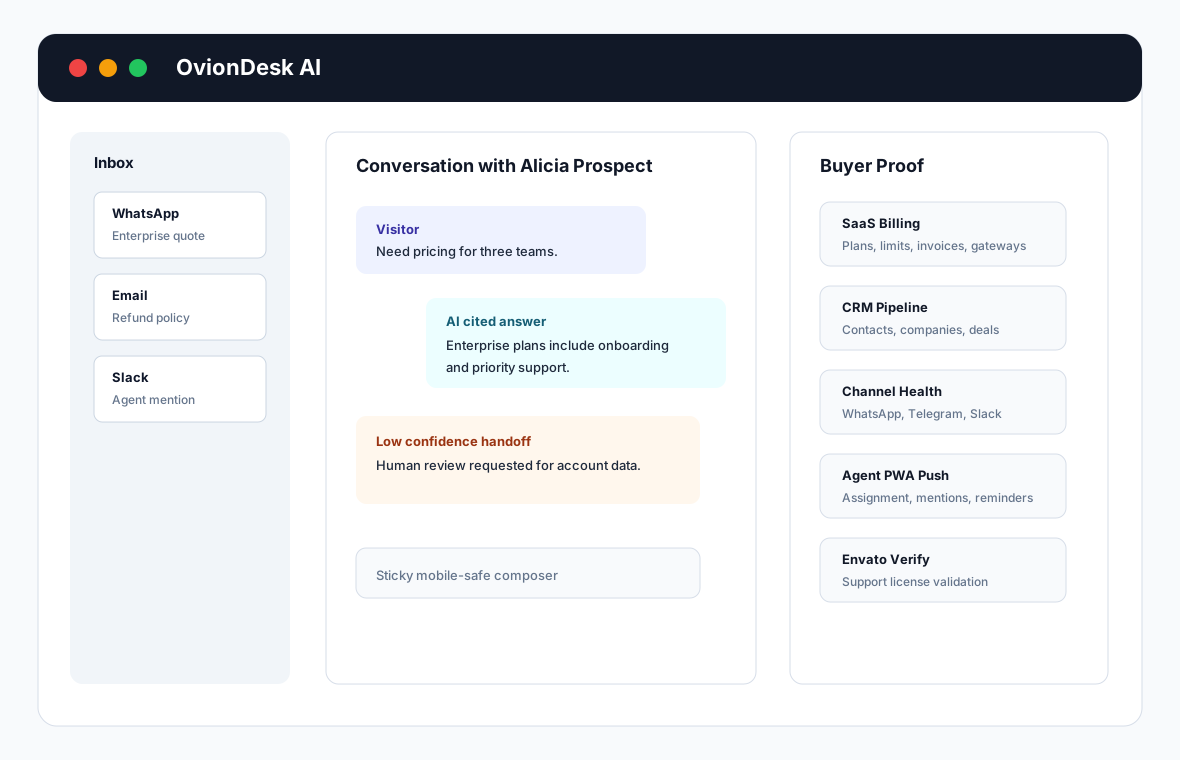
        SaaS Billing

        • Plans and subscriptions
        • Coupons and invoices
        • Gateway test mode
        • Usage limits

        Reliable AI

        • Citations
        • Confidence score
        • Fallback reason
        • Human handoff

        Support Desk

        • Unified inbox
        • Tickets and SLA
        • Notes and mentions
        • Follow-up reminders

        CRM Pipeline

        • Contacts and companies
        • Deals Kanban
        • Lead conversion
        • CSV import/export

        Channels

        • Email inbox
        • WhatsApp
        • Telegram and Slack
        • Facebook and Instagram

        Marketplace Proof

        • Envato support
        • Addon packages
        • Agent PWA
        • Reports and audit logs

        Operator Layer

        • Health monitor
        • Customer portal
        • Compliance center
        • OIDC and SAML SSO
        Package contents

        What Buyers Get

        This matrix is written for marketplace buyers who need to know exactly what is included in the downloadable package.

        Laravel App

        Multi-workspace helpdesk, AI, CRM, billing, channels, installer, and admin panels.

        WordPress Plugin

        Widget installation package with settings, screenshots, and buyer setup notes.

        Documentation

        Offline HTML docs plus Markdown guides for install, AI, billing, channels, Envato, addons, and QA.

        Screenshots

        20 normalized desktop/mobile marketplace screenshots mirrored in public and documentation assets.

        Video Scripts

        2-minute, 7-minute, and 15-minute walkthrough scripts for listing media.

        Addon ZIPs

        Connector packages with README, changelog, version, fixtures, screenshots, and checksums.

        Release Manifest

        Readiness manifest covering requirements, docs, screenshots, addons, URLs, and events.

        Visual tour

        Screenshot Tour

        These screenshots are the source material for marketplace preview images, video thumbnails, and documentation graphics.

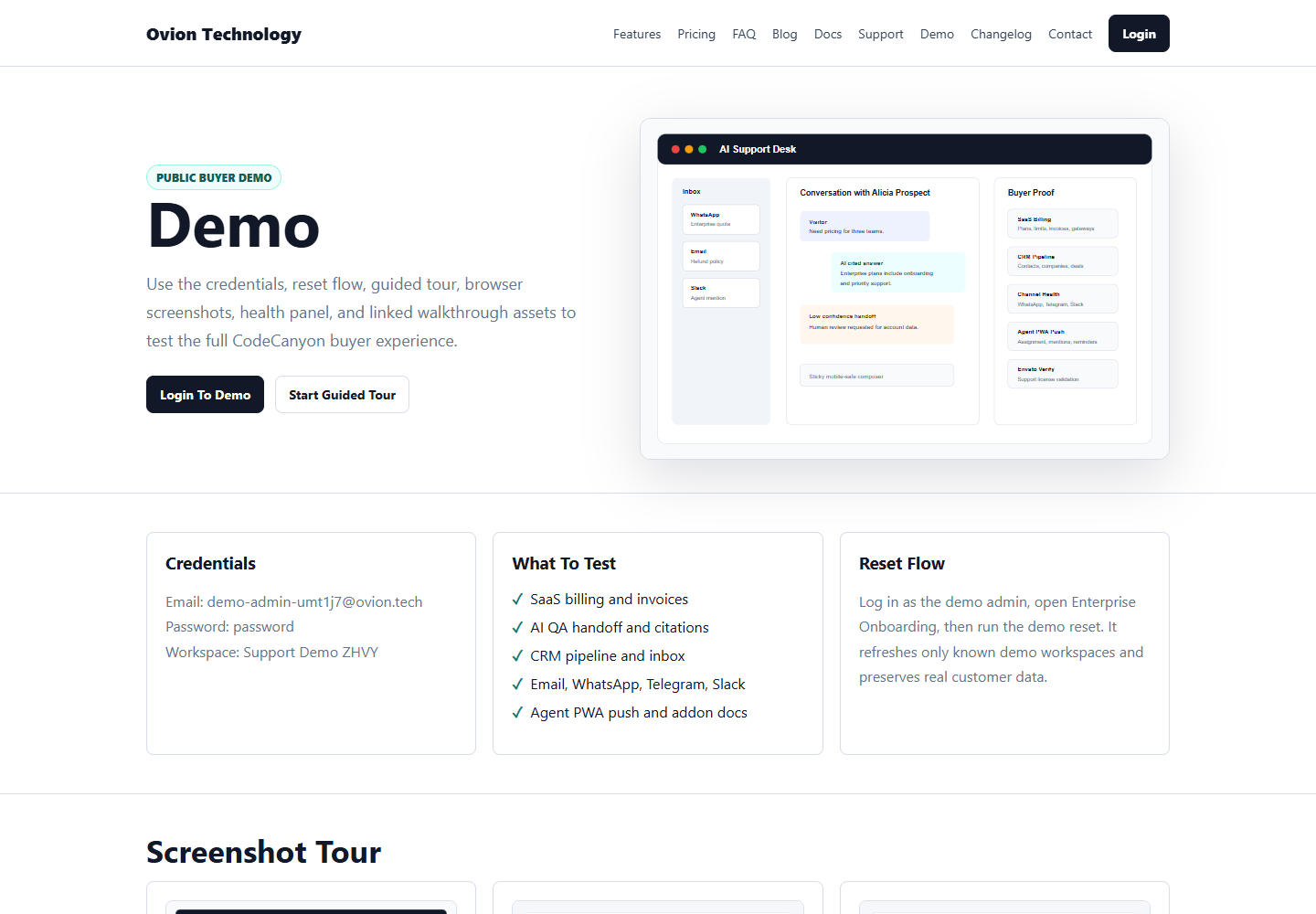
        Public Demo Page screenshot Captured

        Public Demo Page

        Reviewer-first live preview with credentials, guided links, screenshots, package proof, and demo health.
        Login Page screenshot Captured

        Login Page

        Buyer demo login path with CodeCanyon positioning and safe demo credentials.
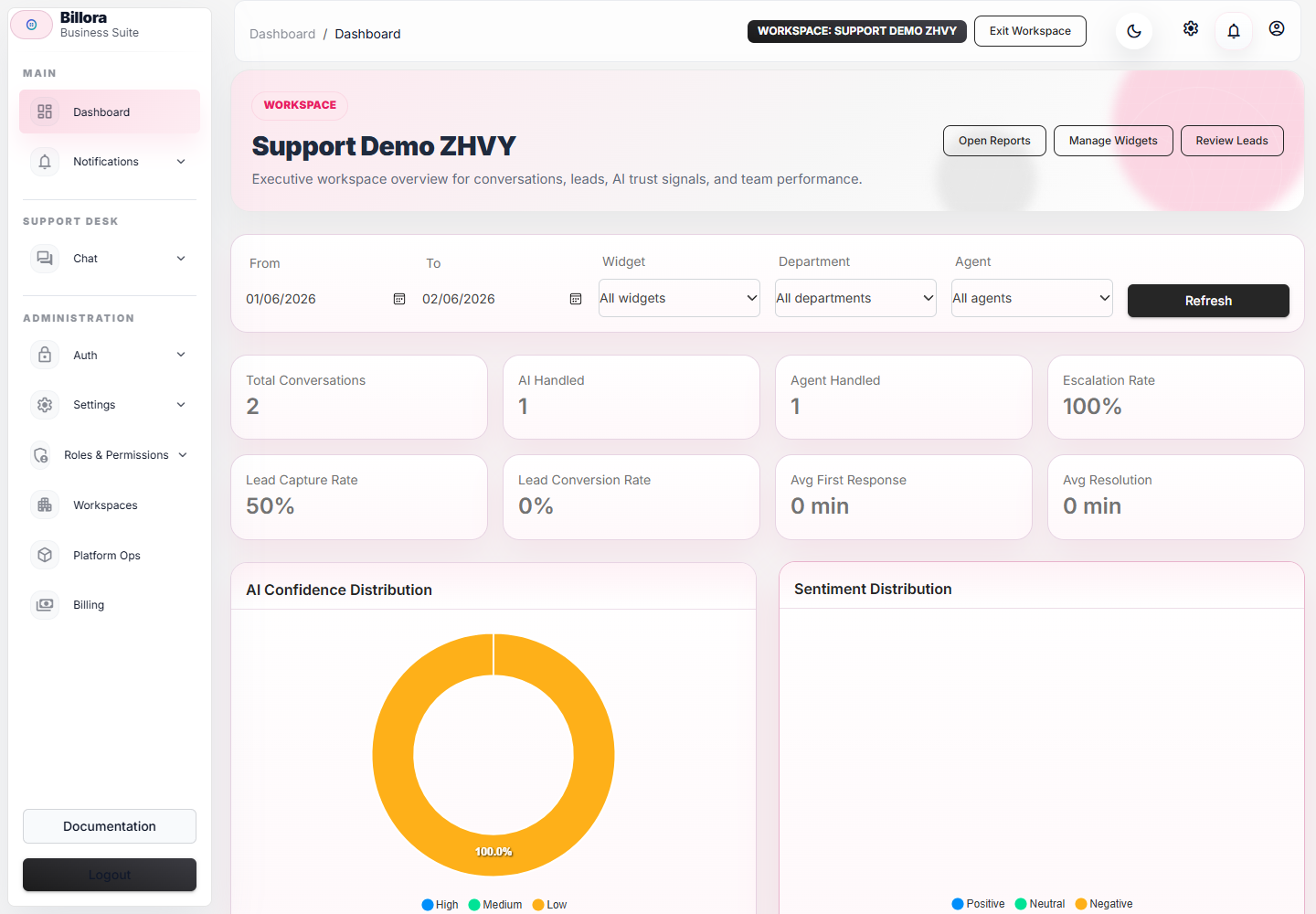
        Dashboard screenshot Captured

        Dashboard

        Workspace overview, support KPIs, confidence and volume charts.
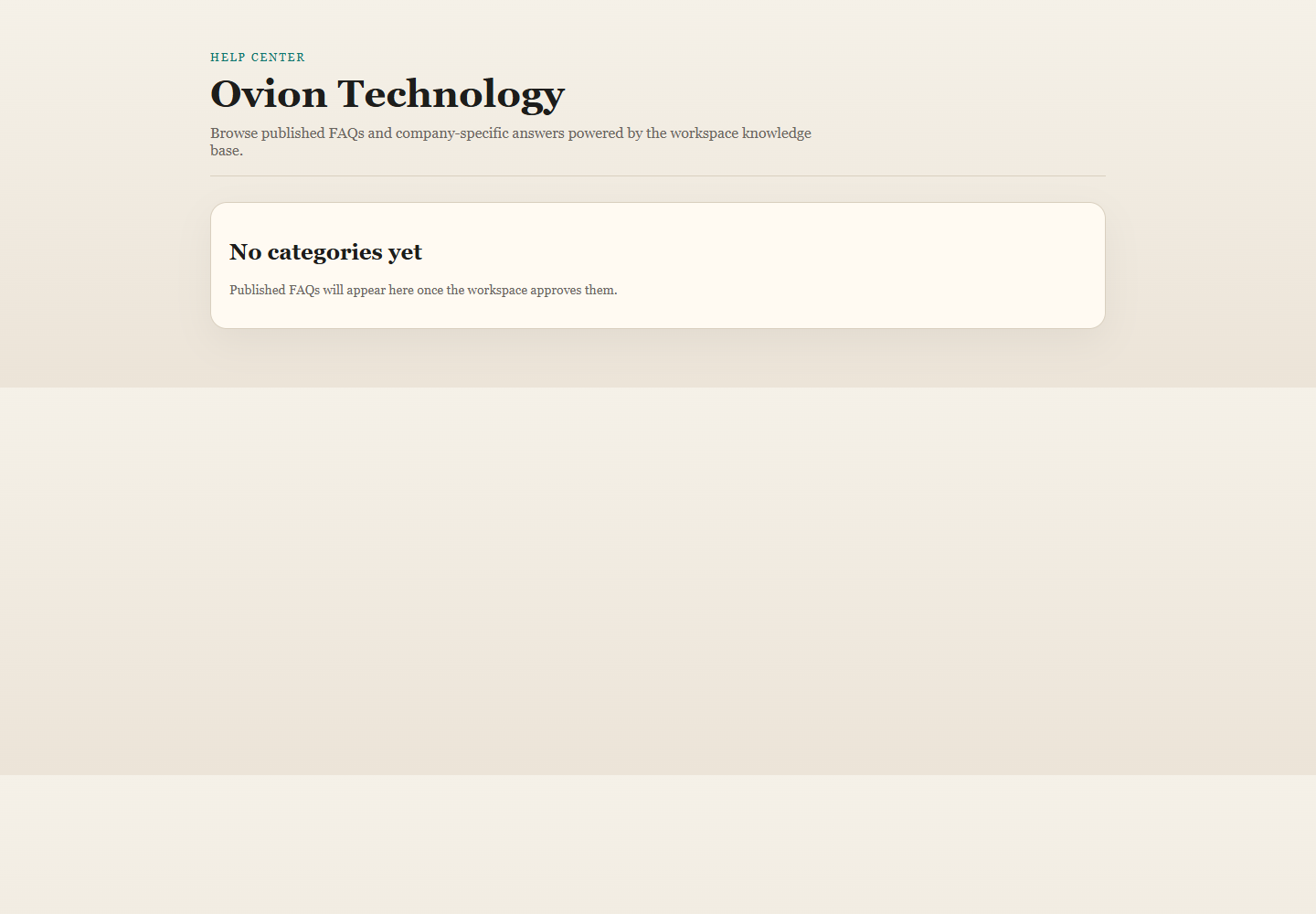
        Chat Widget On Public Site screenshot Captured

        Chat Widget On Public Site

        Widget bootstrap, identity handoff, messages, polling, feedback, and help center.
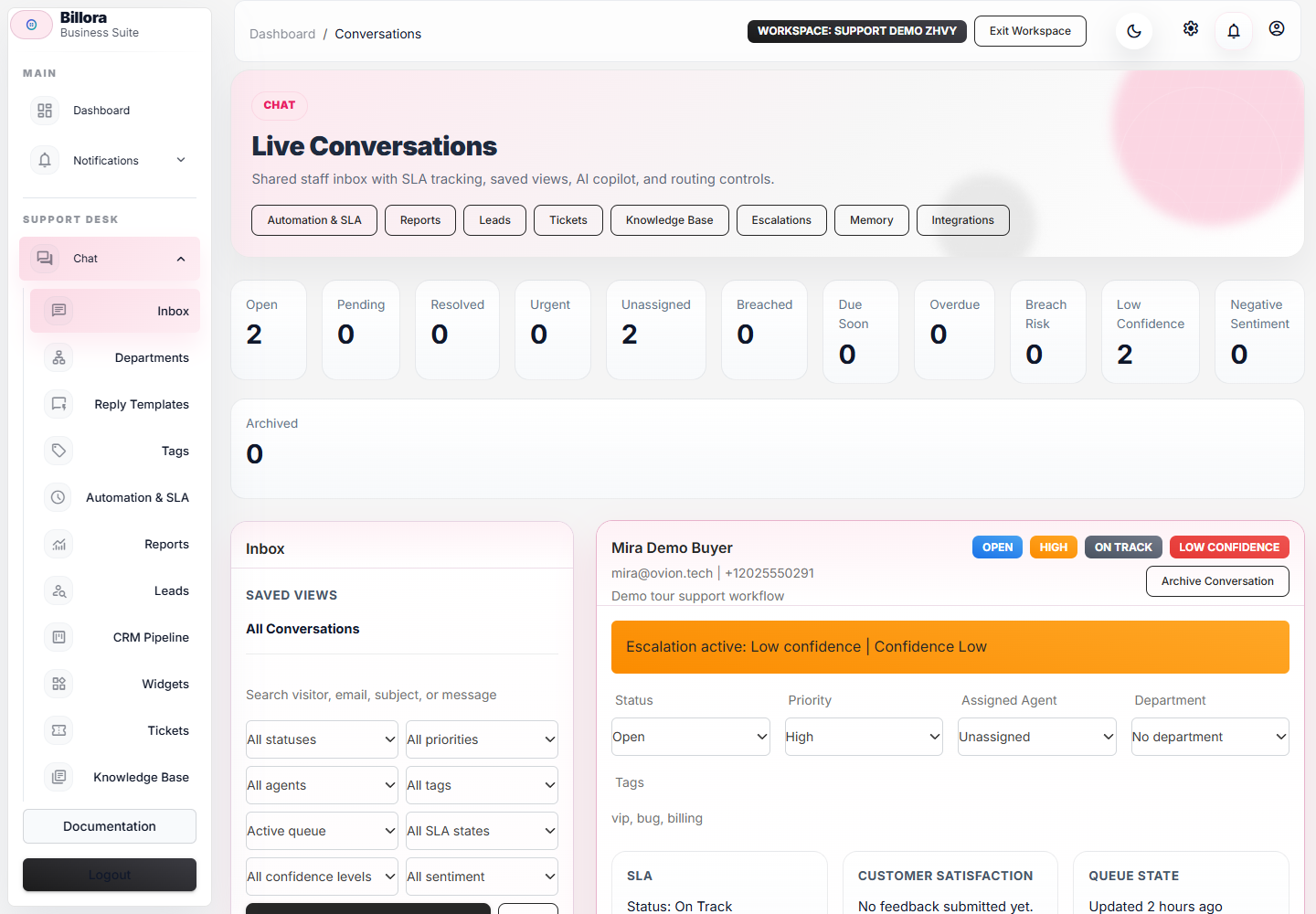
        Staff Inbox screenshot Captured

        Staff Inbox

        Agent inbox with assignment, notes, mentions, reminders, and threaded customer context.
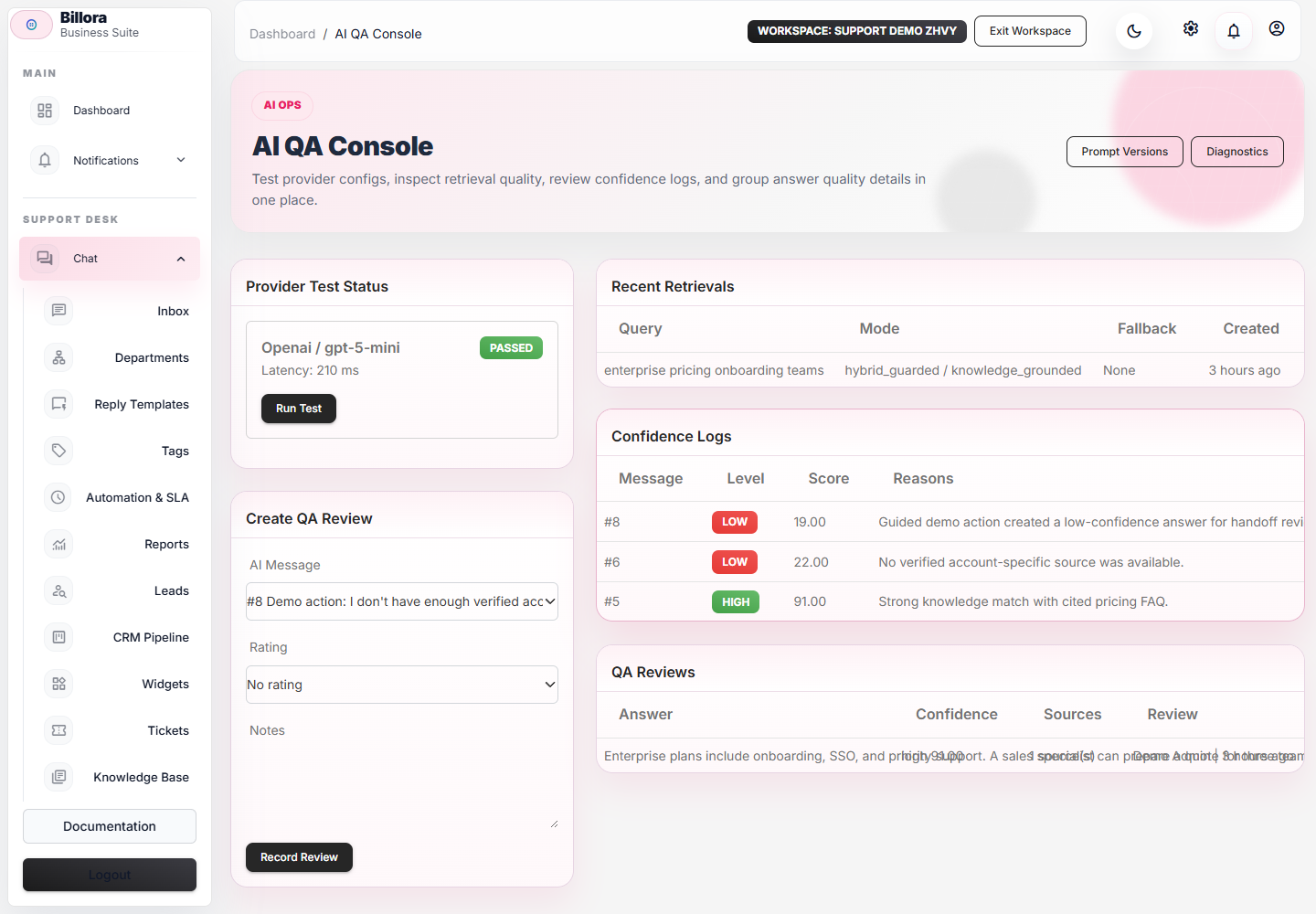
        AI Handoff And QA screenshot Captured

        AI Handoff And QA

        Citations, confidence, fallback reason, QA log, and human handoff.
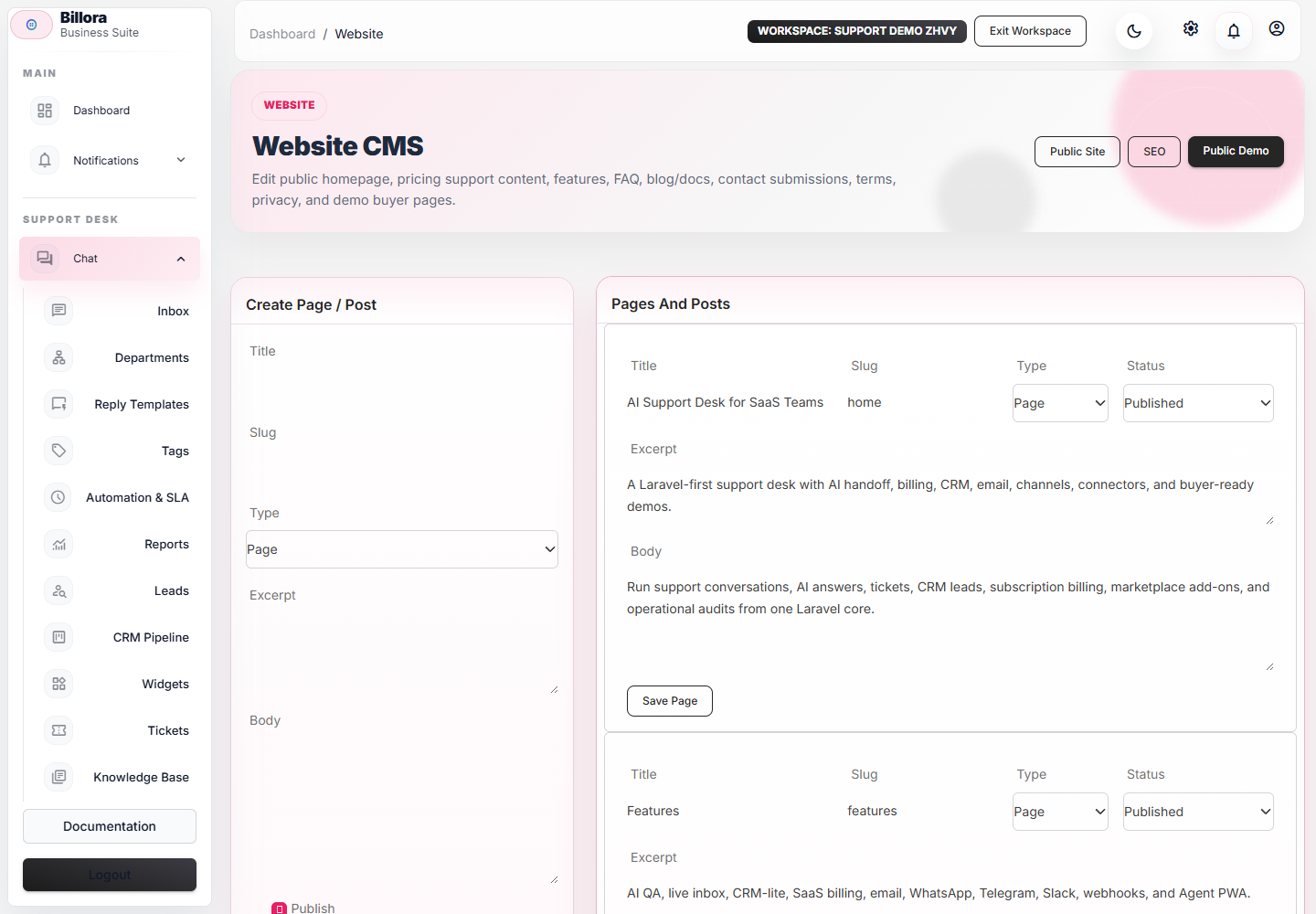
        Knowledge Base screenshot Captured

        Knowledge Base

        Sources, help articles, retrieval diagnostics, stale content checks, and AI grounding.
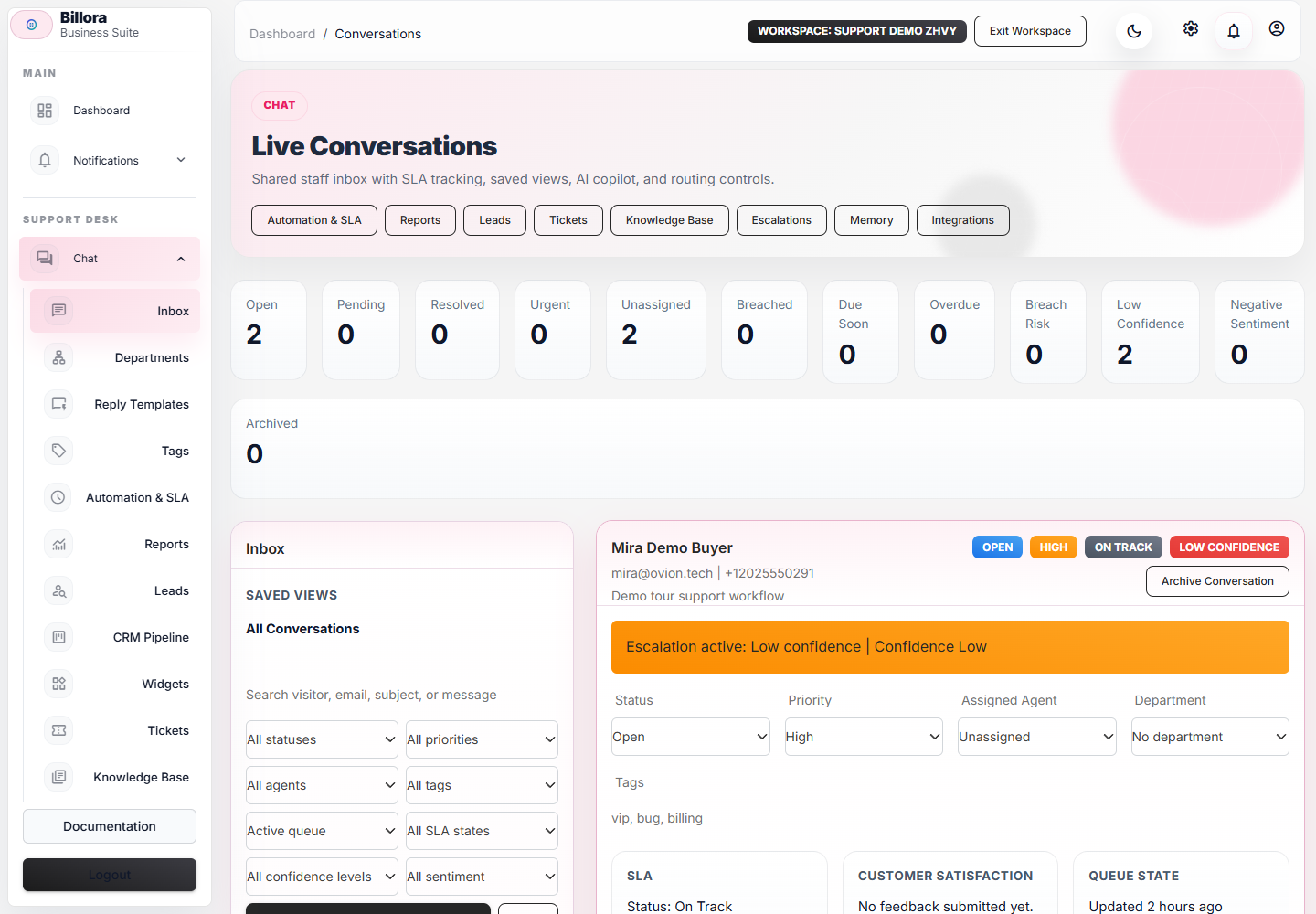
        Tickets screenshot Captured

        Tickets

        Ticket creation, SLA state, status tracking, internal notes, and support follow-up.
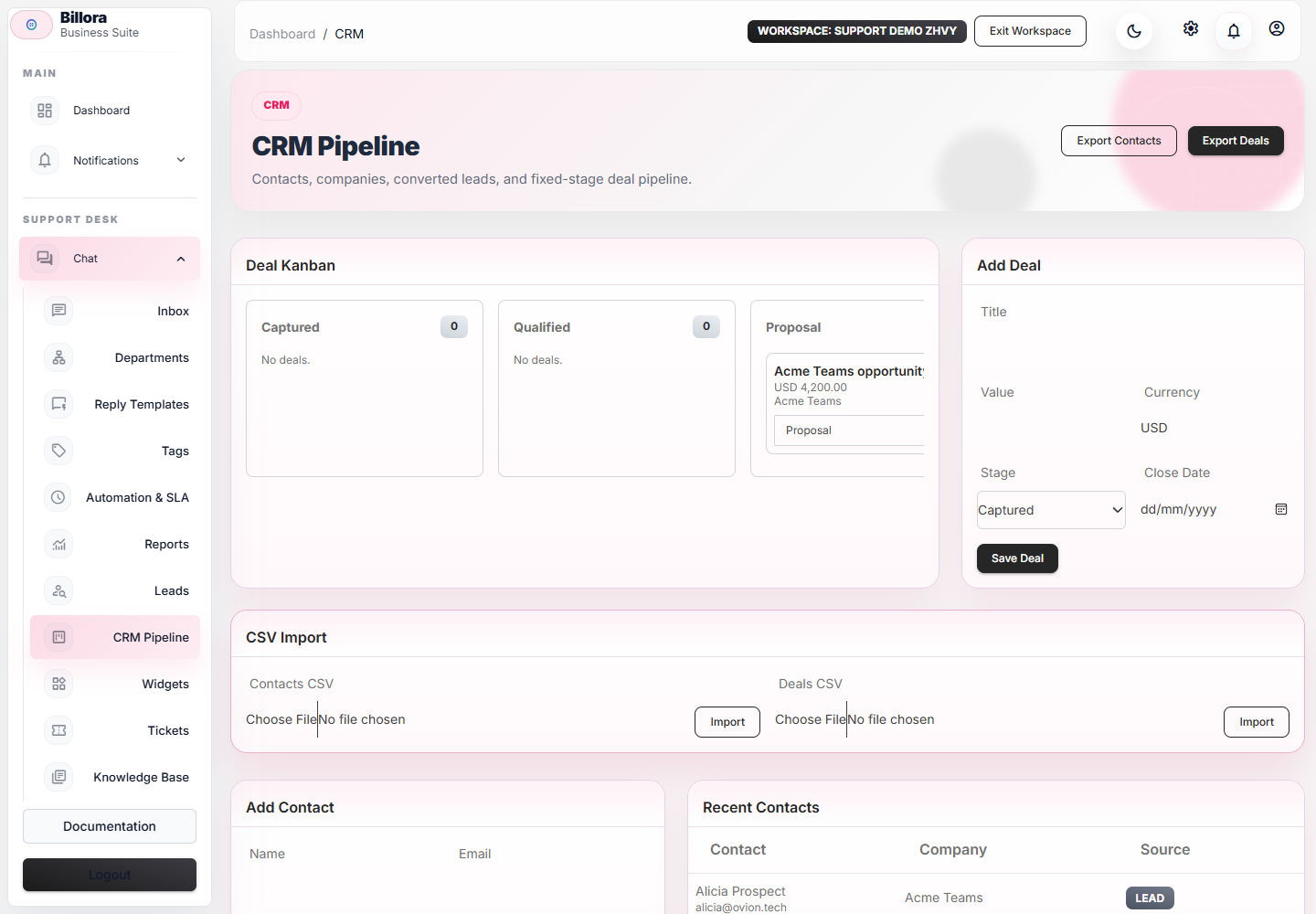
        Leads And CRM screenshot Captured

        Leads And CRM

        Contacts, companies, deals, lead conversion, and stage-change events.
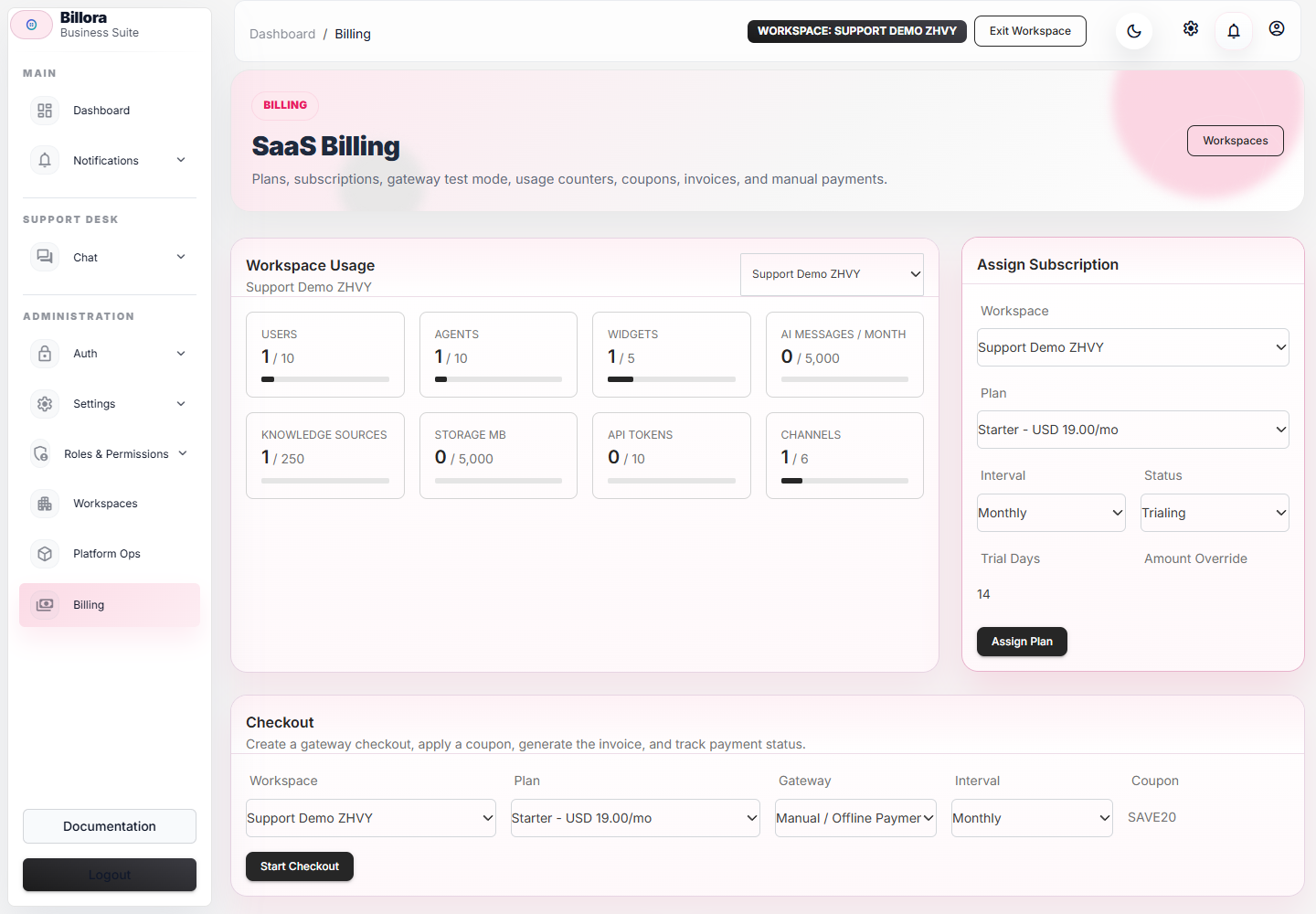
        Billing Plans screenshot Captured

        Billing Plans

        Plans, coupons, usage limits, gateway test mode, and SaaS pricing setup.
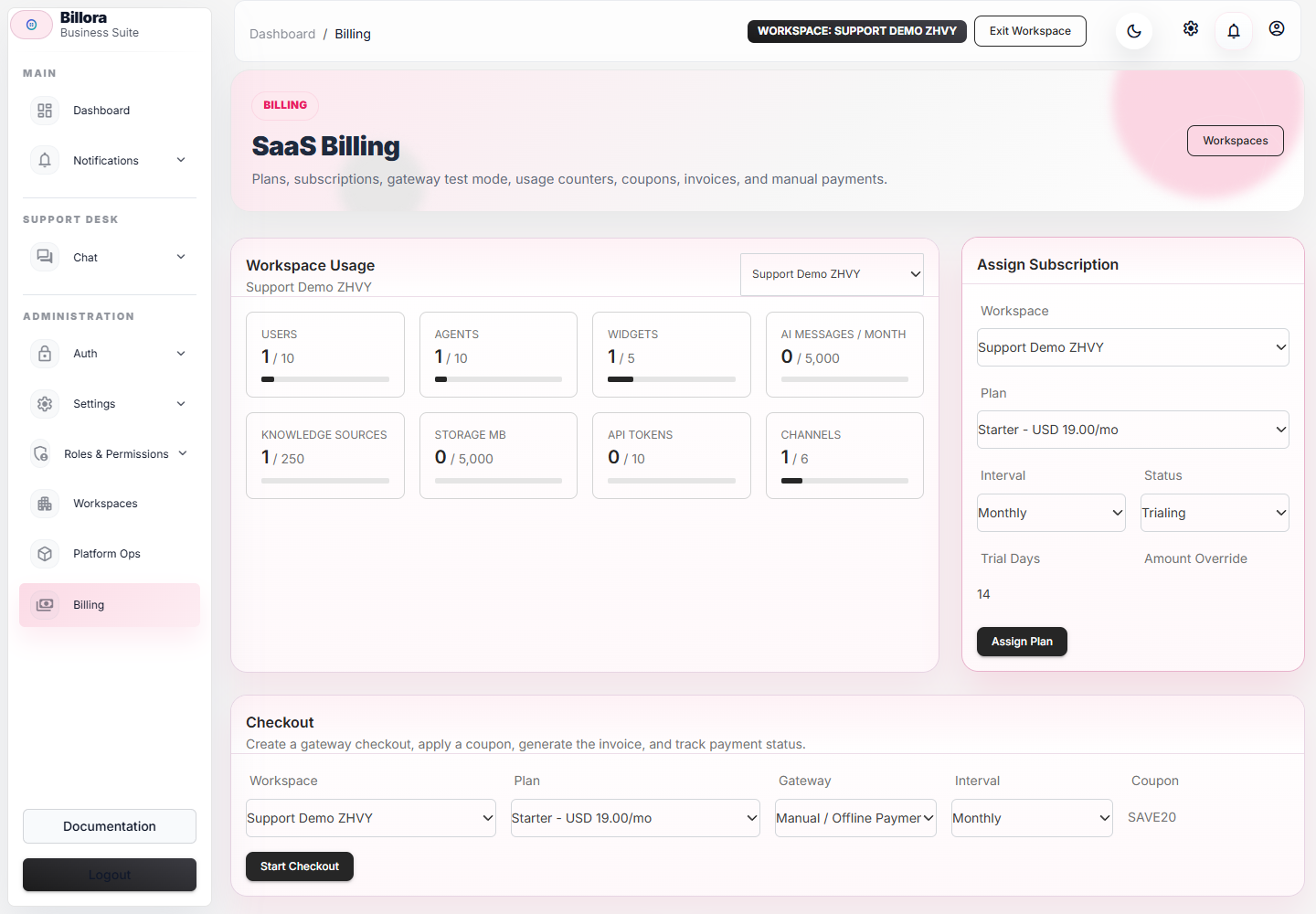
        Subscriptions And Invoices screenshot Captured

        Subscriptions And Invoices

        Workspace subscriptions, usage, printable invoices, renewals, and payment records.
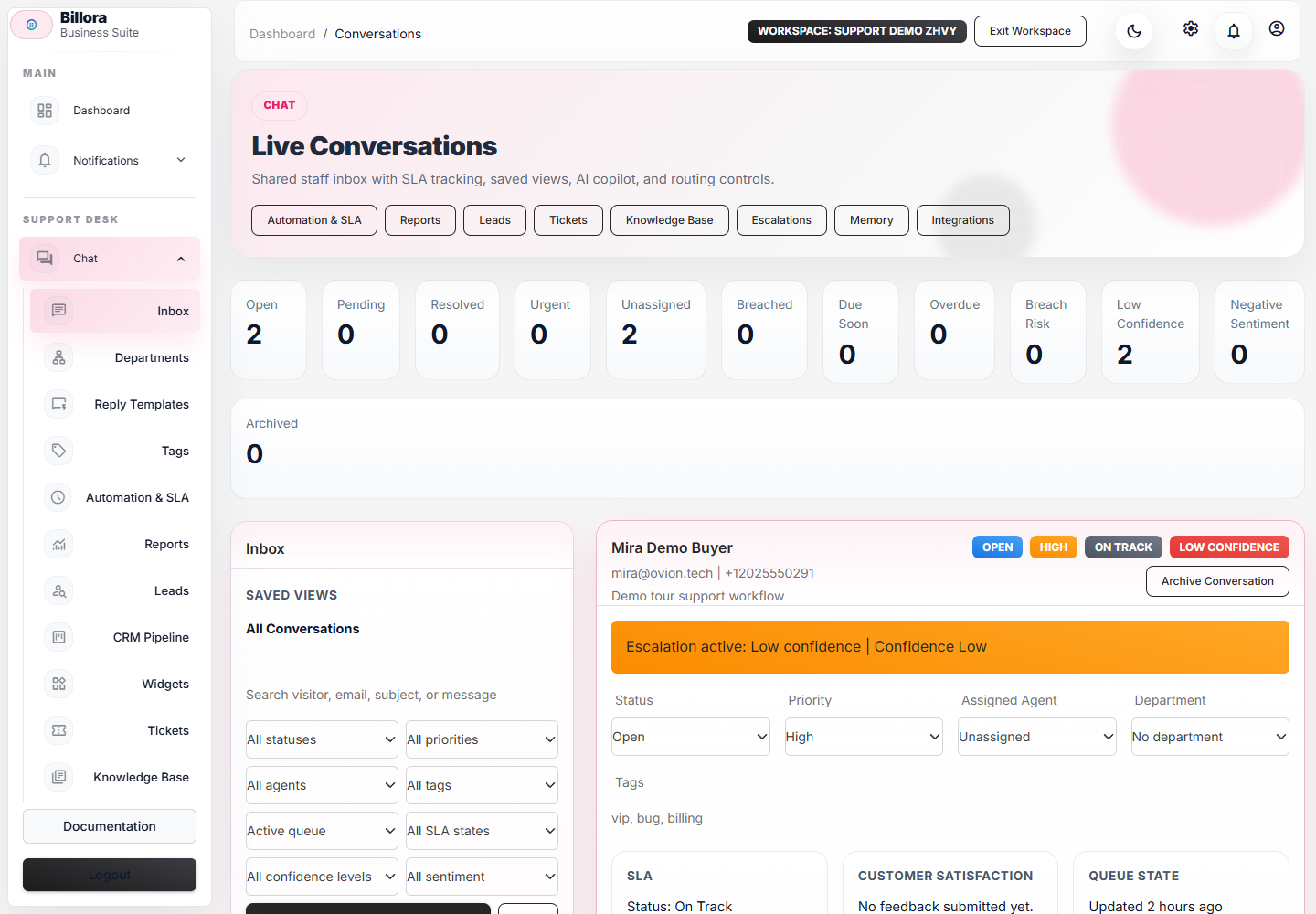
        Email Inbox screenshot Captured

        Email Inbox

        IMAP/SMTP, Gmail, Outlook, reply-by-email, and synced customer email threads.
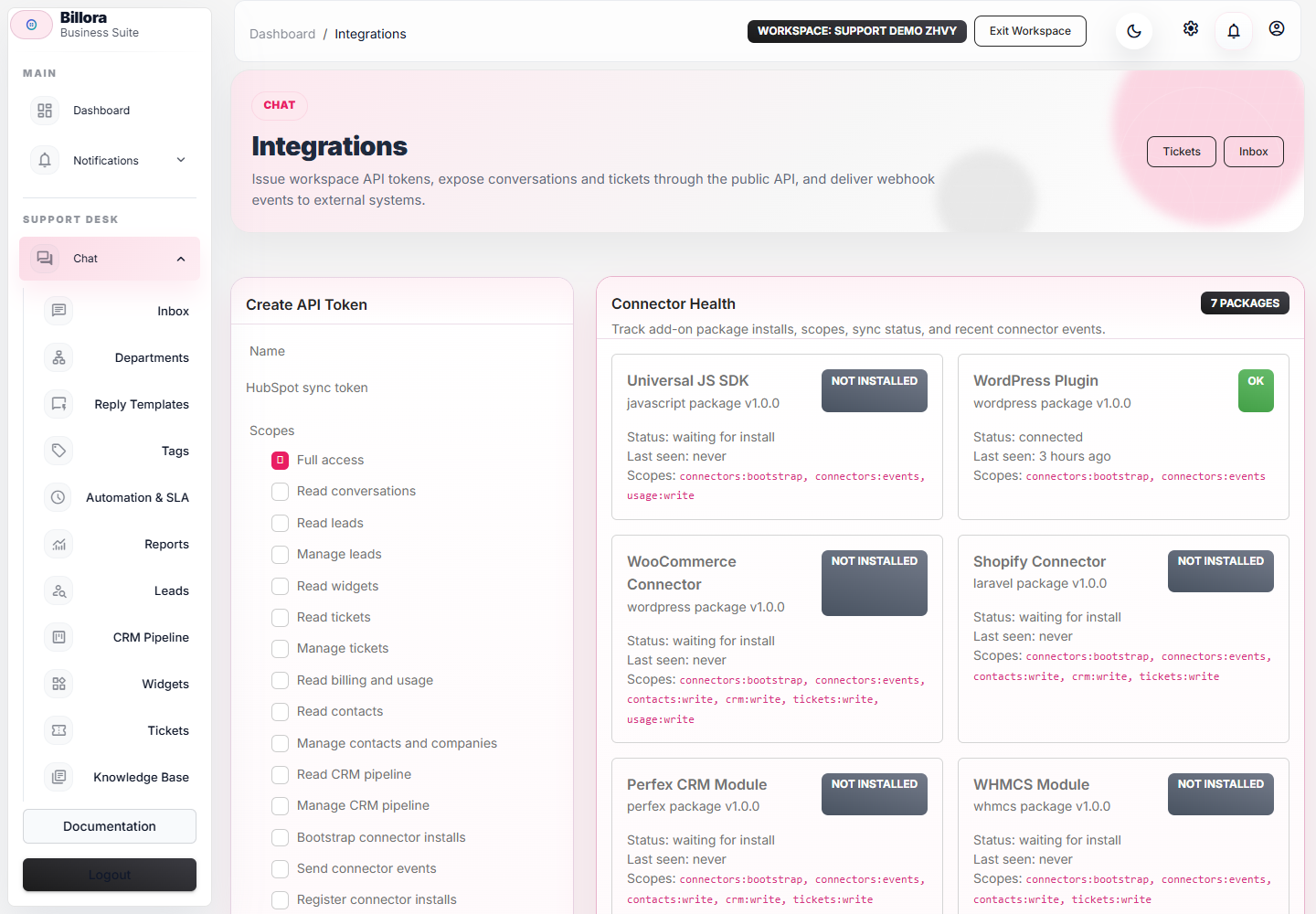
        WhatsApp, Telegram, Slack, And Meta Channels screenshot Captured

        WhatsApp, Telegram, Slack, And Meta Channels

        Channel adapters, webhook URLs, signature status, inbound proof, and delivery diagnostics.
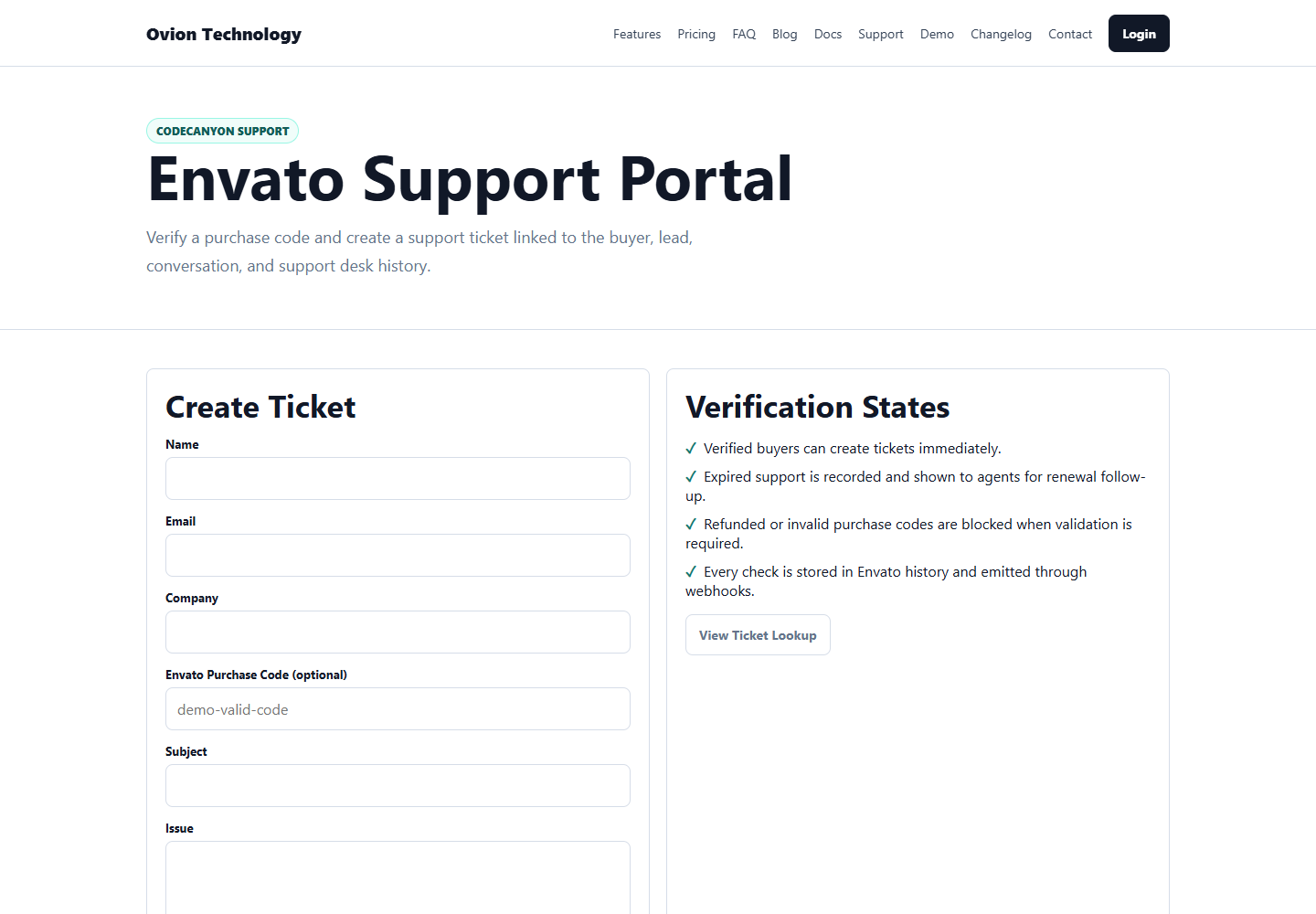
        Envato Verification screenshot Captured

        Envato Verification

        Purchase-code verification, buyer status, ticket gating, support expiry, and renewal CTA.
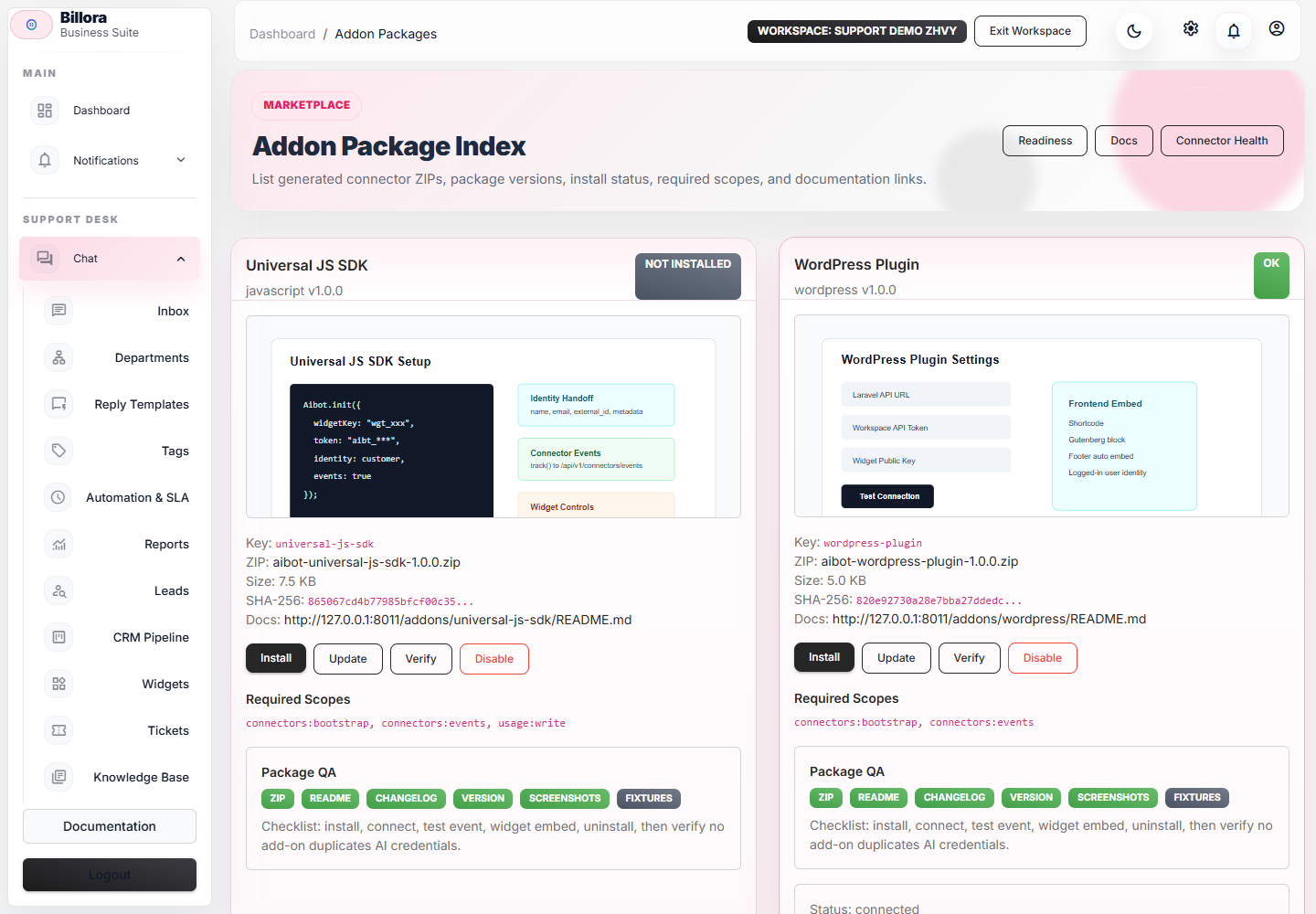
        Addons Marketplace screenshot Captured

        Addons Marketplace

        Connector health, scopes, sync events, docs, screenshots, and ZIP downloads.
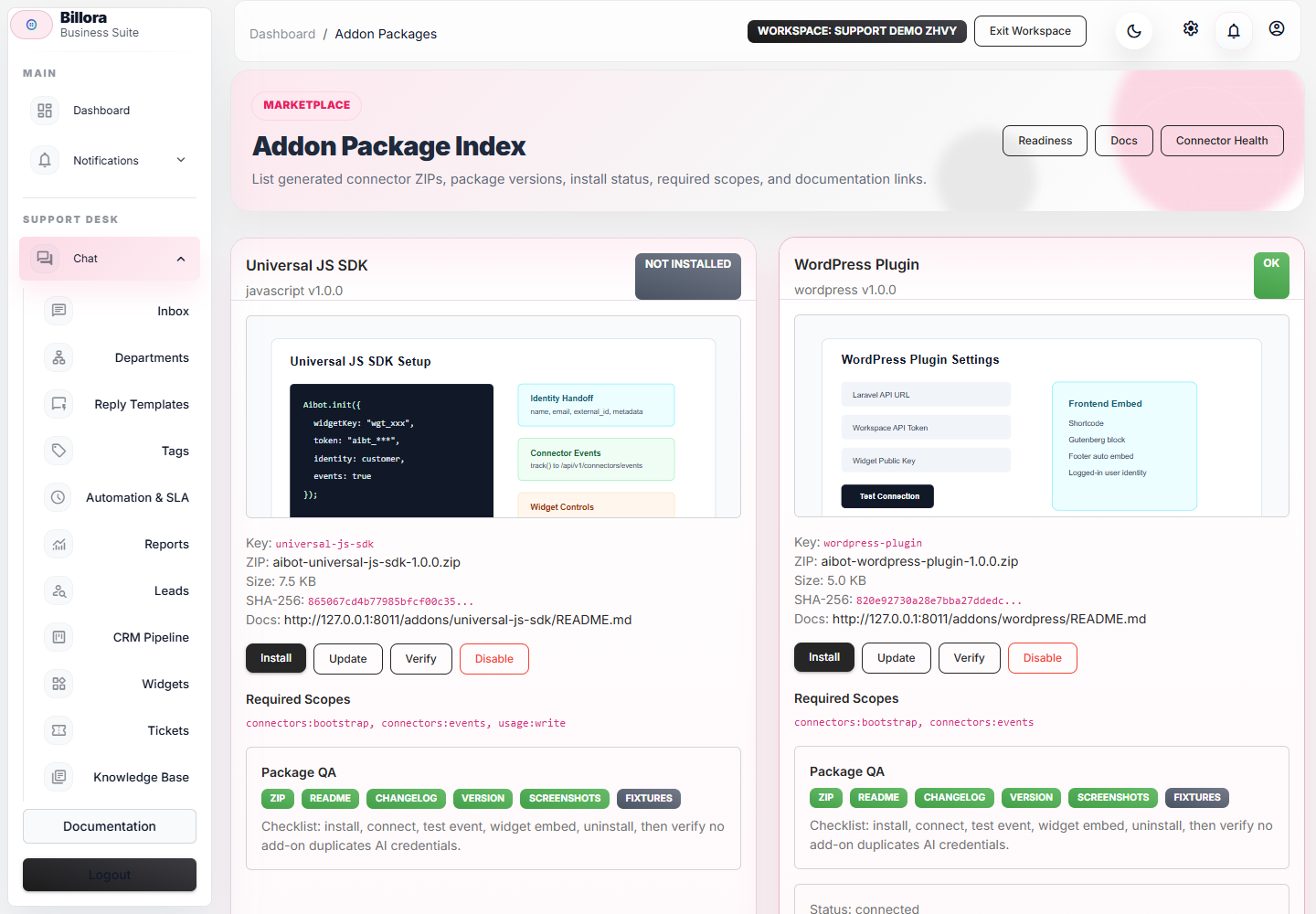
        WordPress Plugin Settings screenshot Captured

        WordPress Plugin Settings

        Widget installation settings, package files, screenshots, scopes, and buyer setup proof.
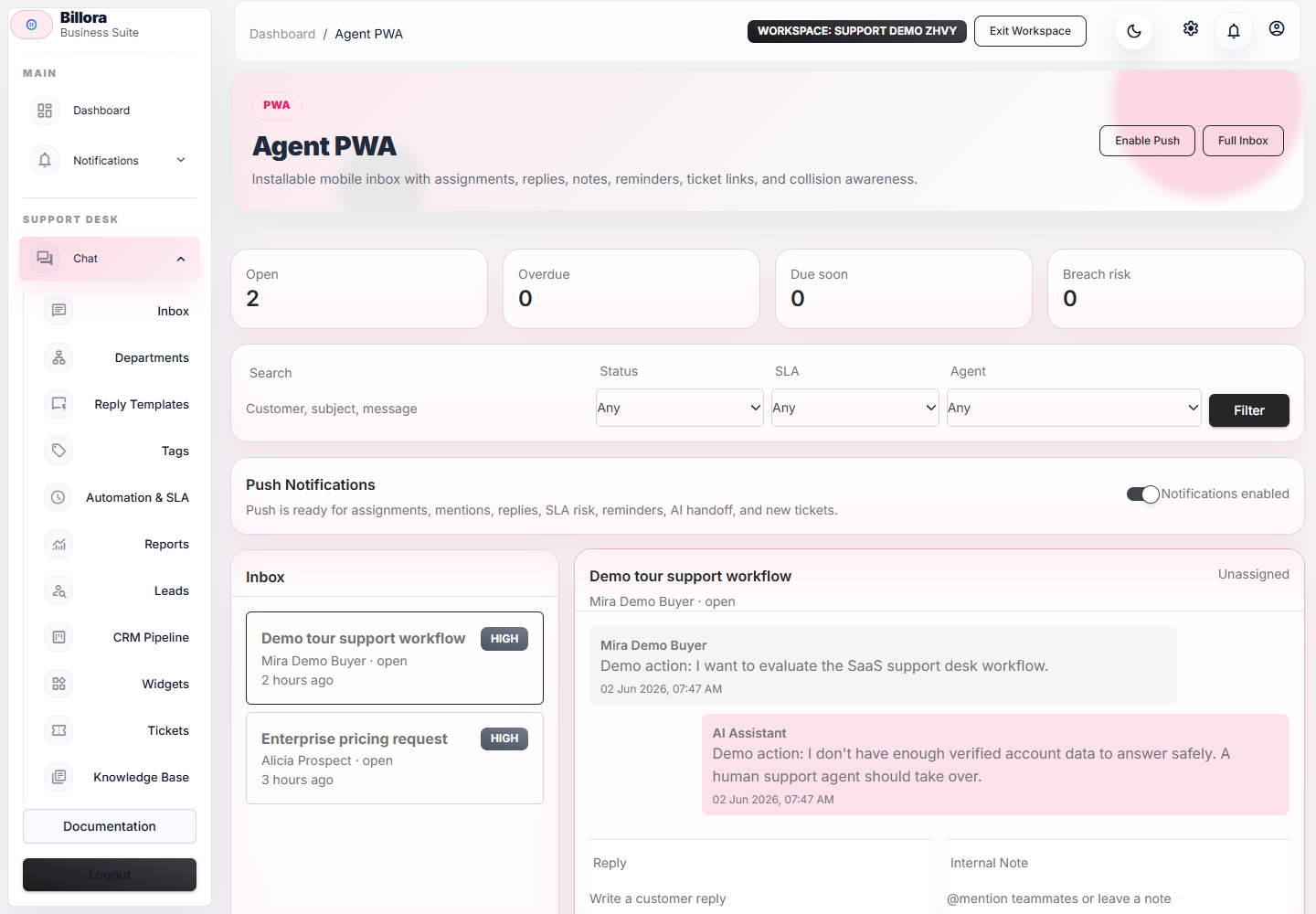
        Agent PWA screenshot Captured

        Agent PWA

        Installable mobile inbox, Web Push subscriptions, and quiet-hour preferences.
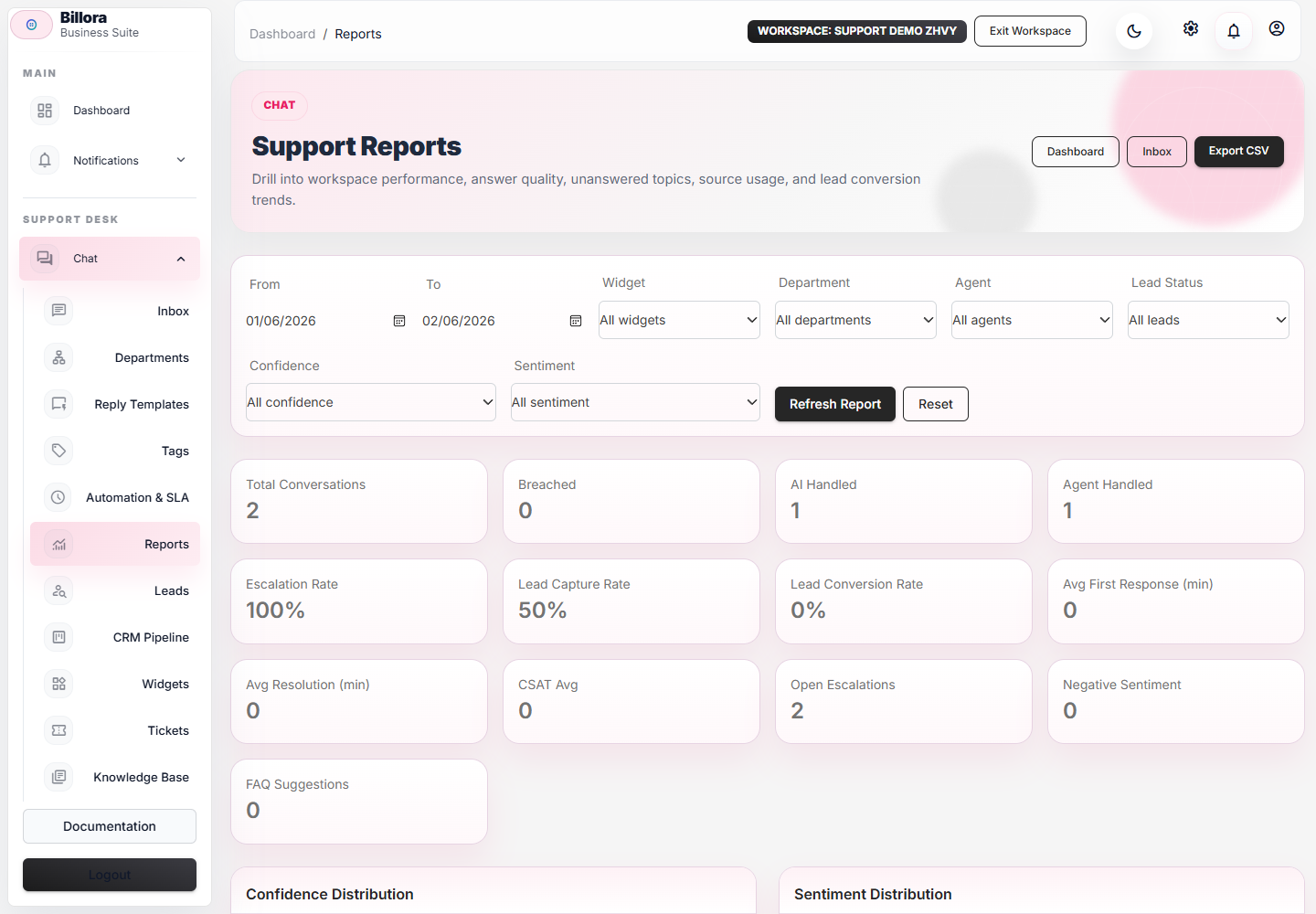
        Reports screenshot Captured

        Reports

        SLA risk, deflection, backlog, channel volume, and exportable reports.
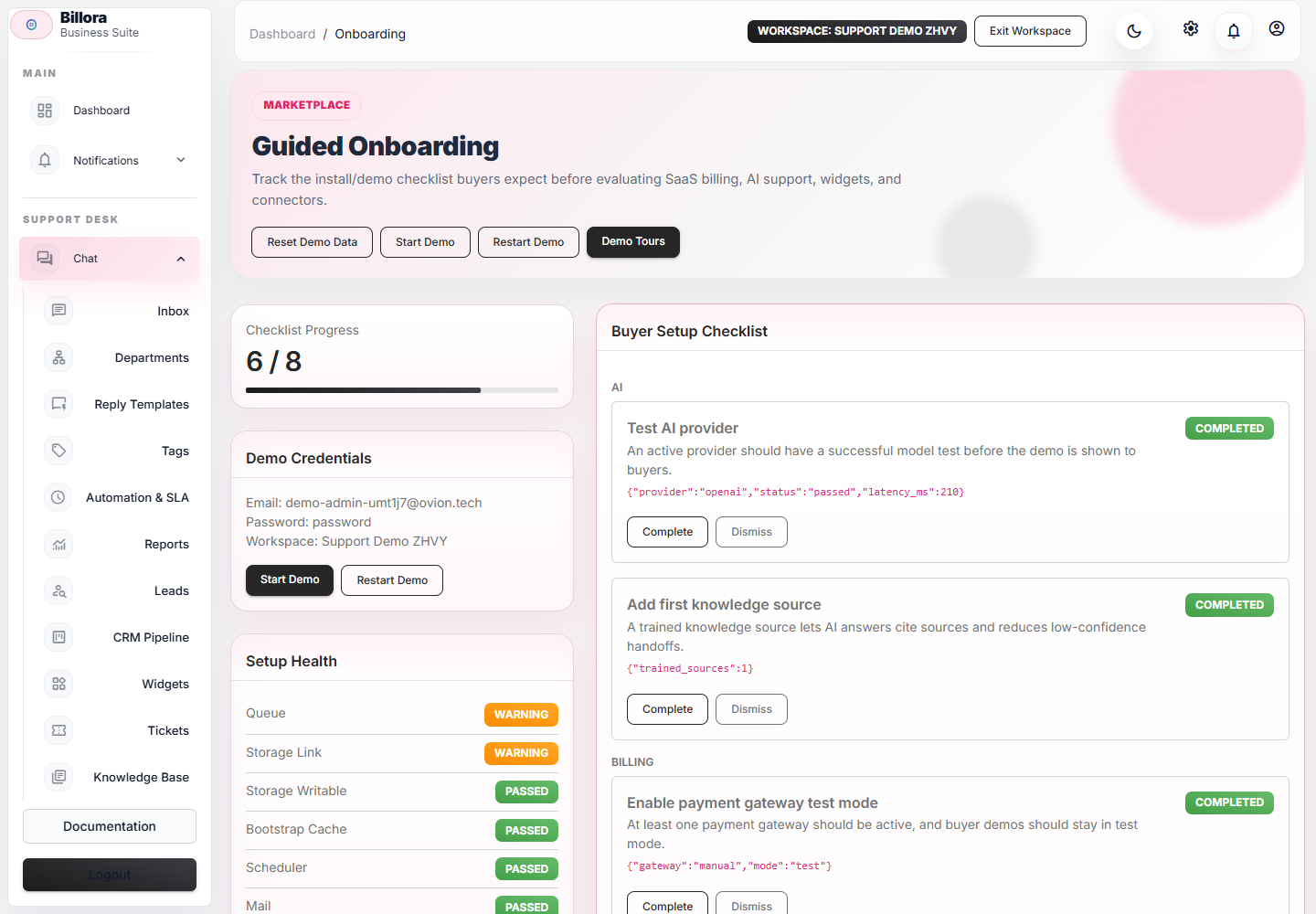
        Installer Steps screenshot Captured

        Installer Steps

        Clean-server checks for extensions, paths, queues, mail, gateways, cron, and install readiness.
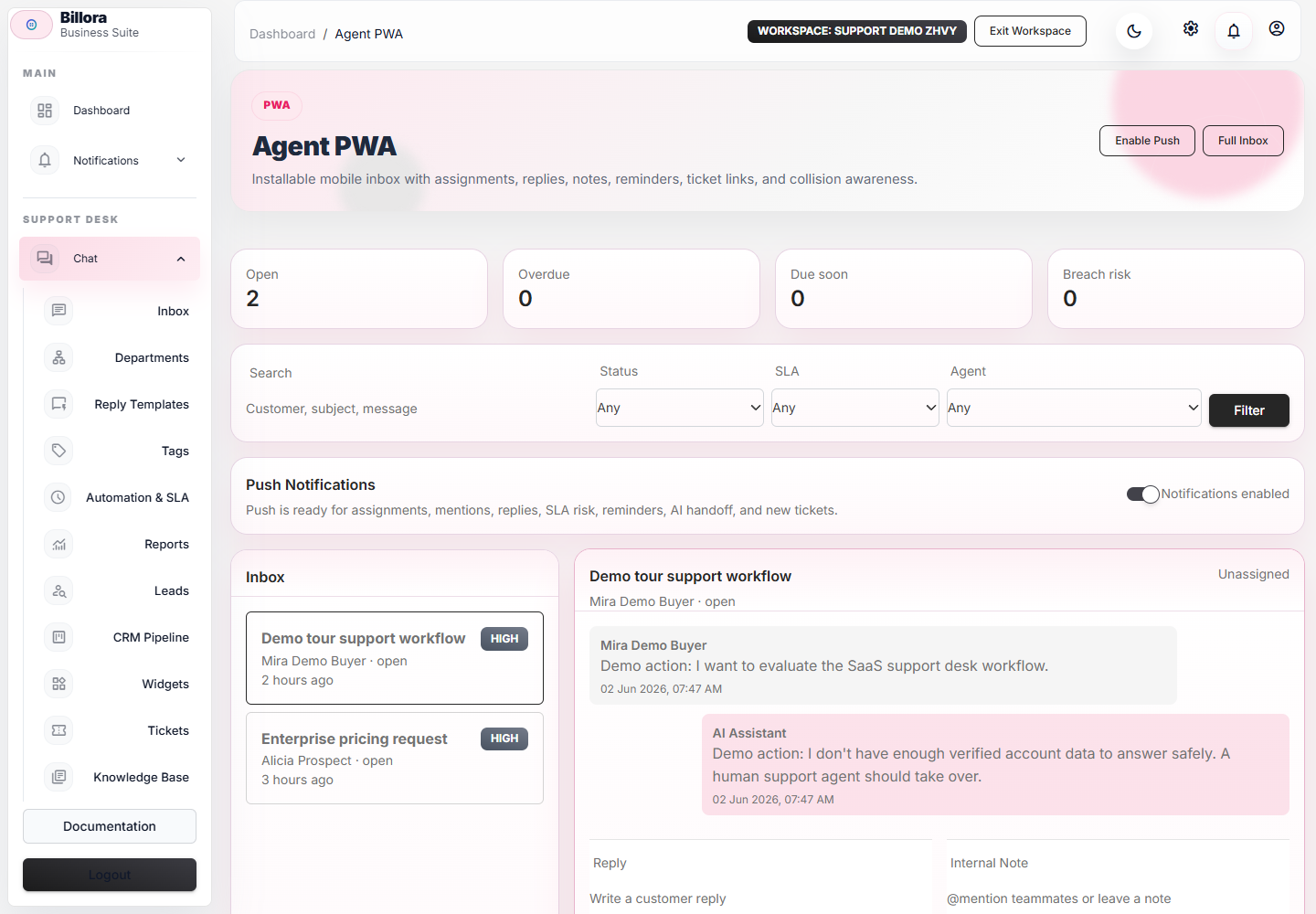
        Mobile Widget And Mobile Inbox screenshot Captured

        Mobile Widget And Mobile Inbox

        Mobile buyer view covering the public widget, compact inbox, PWA flow, and responsive checks.
        Buyer trust

        Support, Updates, Requirements, And Security

        These notes reduce pre-sale uncertainty and make the live preview easier to evaluate before purchase.

        Support Policy

        Clear public support expectations for installation help, bug fixes, customization boundaries, and renewal-aware Envato support.

        Updates And Changelog

        A visible changelog helps buyers understand release cadence, fixes, compatibility notes, and upgrade risk.

        Third-Party Requirements

        AI providers, mailboxes, gateways, OAuth apps, webhooks, queues, cron, and public HTTPS endpoints are called out before purchase.

        Privacy And Security

        AI prompts, webhooks, email data, customer records, and support logs are documented so buyers can configure safe production defaults.

        Listing comparison

        Feature Comparison Content

        Use these proof points directly in the CodeCanyon listing, preview images, video scripts, or reviewer note.

        AI Helpdesk Grounded AI replies, citations, confidence, QA review, fallback reason, and human handoff.
        SaaS Billing Plans, subscriptions, coupons, invoices, usage limits, and gateway test mode for live previews.
        CodeCanyon Buyer Support Envato purchase-code verification, support status, ticket gating, and renewal prompts.
        Unified Inbox Live chat, email, tickets, reminders, notes, mentions, channels, and customer timeline.
        WordPress Widget Plugin package, public widget loader, settings screen, and install-ready buyer docs.
        Marketplace Addons Addon ZIP index with scopes, checksums, docs, screenshots, fixtures, and connection tests.
        SaaS Operator Layer Production health snapshots, customer portal access, compliance requests, SSO providers, crawler history, workflow logs, AI budgets, and add-on lifecycle events.
        Video proof

        Walkthrough Assets

        Open the synced scripts for the 2-minute overview, 7-minute buyer walkthrough, and 15-minute technical setup recording.

        2-Minute Marketplace Overview

        2:00 buyer recording plan with synced script and scene checklist.

        Open asset / Read script

        7-Minute Buyer Walkthrough

        7:00 buyer recording plan with synced script and scene checklist.

        Open asset / Read script

        15-Minute Technical Setup

        15:00 buyer recording plan with synced script and scene checklist.

        Open asset / Read script

        Release health

        Demo Health

        7 ready 1 warnings

        Queue

        Passed

        Queue driver: database

        Storage Link

        Warning

        public/storage link is missing

        Storage Writable

        Passed

        storage path writable check

        Bootstrap Cache

        Passed

        bootstrap/cache writable check

        Scheduler

        Passed

        Scheduler command required: php artisan schedule:run every minute

        Mail

        Passed

        Mailer: smtp

        AI Provider

        Passed

        1 active provider(s), 0 failed test(s)

        Gateway Test Mode

        Passed

        1 active gateway(s), 0 live gateway(s)